
DTF Artwork Checklist for Dark Company T-Shirts
Prepare full-colour logos for dark T-shirts with DTF: file quality, transparency, print size, colour and placement.
Full-colour branding on black, navy or dark green T-shirts can be striking, but dark fabric changes how the artwork should be prepared. Direct-to-film printing can reproduce detailed colours on a suitable garment, yet the finish still depends on file quality, transfer size, heat application and the fabric itself. Sending a small logo screenshot is rarely the fastest route to an accurate result.
Supply an actual production file
A vector file is usually the most flexible source for clean logo edges. Where a vector is unavailable, ask the printer for the appropriate raster resolution at the intended physical print size. A high-resolution PNG with genuine transparency can be useful; a white rectangle behind the logo is not the same thing as transparent artwork.
Check for unwanted halos around cutout images. A soft white edge that looks harmless on a computer screen may become obvious when transferred onto a black tee. View the file over a dark-coloured preview background before submitting it.
Know what happens to dark colours
Printing on dark garments may require a white underbase so coloured parts remain visible. The exact construction varies by transfer process and supplier. This affects opacity and sometimes the feel of the printed area. Ask to review the expected finish if the artwork has broad blocks of colour, delicate shadows or very fine detail.
Dark navy and black can look similar in some photographs. Confirm the fabric colour by code or physical sample rather than approving a garment solely from a phone screenshot. The same applies to brand colours in the print; colour matching should be discussed as a tolerance, not promised as a perfect monitor-to-fabric conversion.
Confirm the placement in centimetres
‘Large logo on front’ is too vague for production. Decide the intended printed width or height and whether the artwork should be centred on the chest, placed at the left chest or printed on the back. A narrow design on an XS shirt may need a different visual balance from the same design on a 4XL. Discuss whether print dimensions remain fixed across all sizes or scale by size group.
Avoid placing a large stiff graphic directly across a high-stretch area. Ask whether seams, zippers or pockets interfere with the chosen application location.
Pre-press checklist
| Check | Action |
|---|---|
| Background | Remove unintended solid boxes and edge halos |
| Artwork resolution | Inspect at actual print dimensions |
| Text | Convert fonts appropriately or include approved outlined artwork |
| Shirt base colour | Confirm SKU and colour code |
| Placement | Specify front/back, size and distance from collar |
| Sample approval | Check print feel, colour and care information |
Keep the result repeatable
Retain the final approved artwork version, garment code, transfer dimensions and order number. If the company later adds another ten staff members, the supplier should not need to reverse-engineer the image from a social media post. For mixed designs, label each file clearly and ensure the right artwork is mapped to the right shirt quantities.
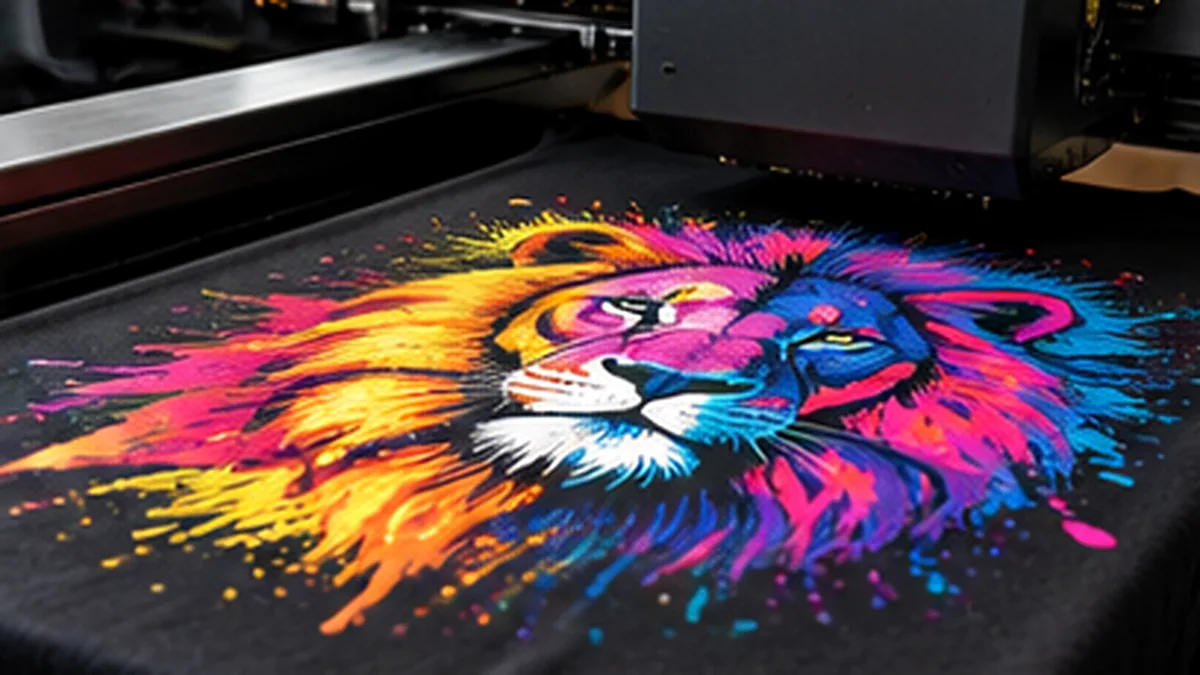
Review Uniform Sarawak’s printing services and JCP’s method and material guide before choosing an exact transfer specification. The accompanying illustration shows garment decoration generally; it is not a representation of a specific DTF machine model.
Frequently asked questions
Can I use a JPEG with a white background?
Sometimes the supplier can prepare it, but a clean vector or transparent source normally simplifies artwork setup.
Will DTF look identical on cotton and polyester?
Not necessarily. The selected transfer, fabric surface, heat response and colours affect the finished appearance.
More on JCP services: JCP production methods and material guide. Specific fabric, sizing, stock and lead-time recommendations should be confirmed for your order.