
Saddle-Stitched Booklets: Plan Pages Before Printing
A booklet that is stapled through its folded spine is economical for many short publications, but it has a structural rule that affects the content plan: pages are formed from folded sheets, not printed one at a time.
In This Article
Direct Answer
For a conventional saddle-stitched booklet, plan the total page count in multiples of four, including covers when they are part of the same folded booklet. Make a paper dummy before locking the layout, especially when using thicker stock.
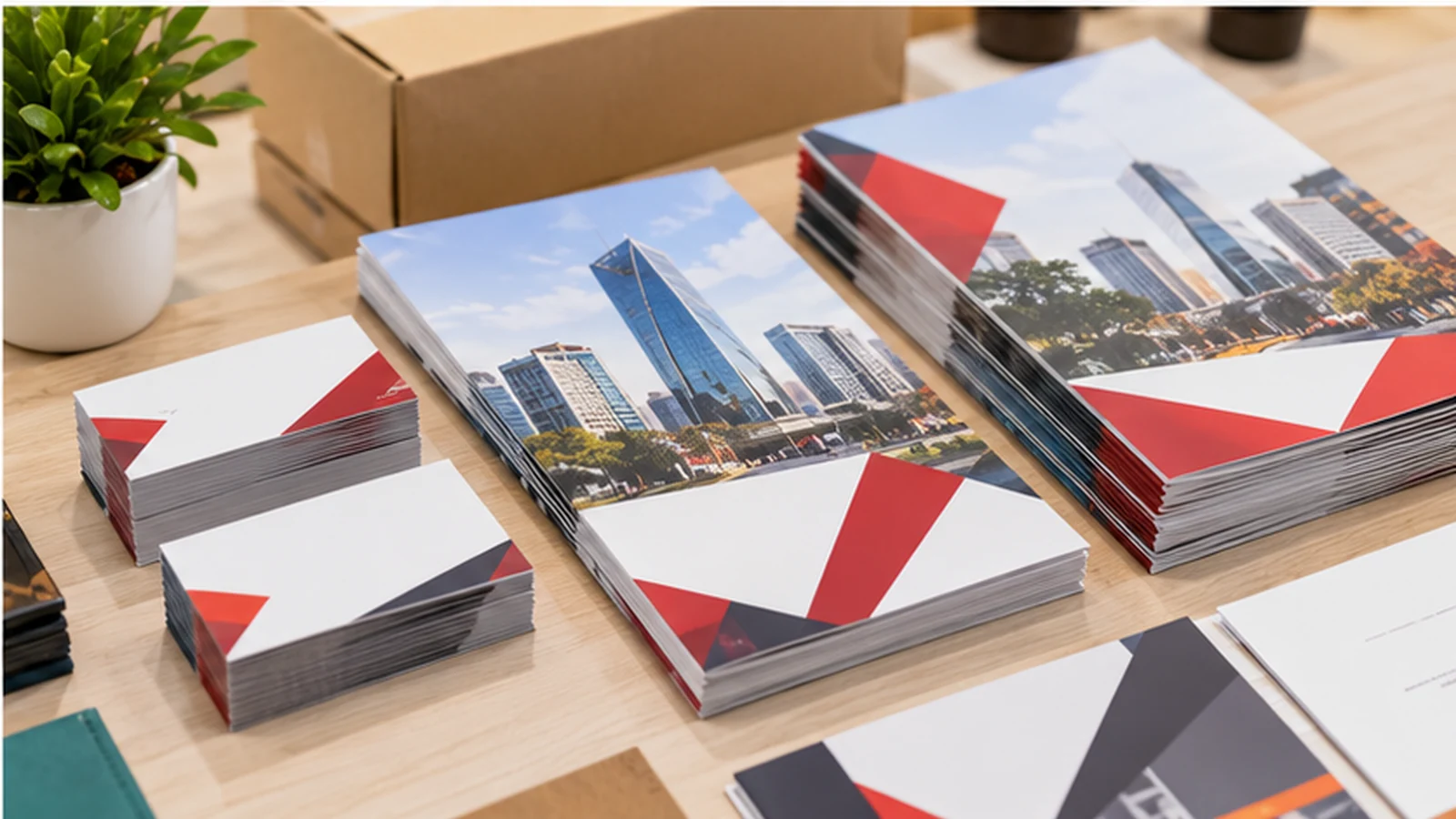
Why the page count moves in fours
One sheet folded once creates four reading pages: front, two inside faces and back. That means 12, 16, 20 and 24 pages fit the format naturally, whereas 18 pages needs a change in content or construction. A separate heavier cover may change how the printer quotes and assembles the job, so state whether the cover is included in the total.
Do not fill two spare pages with repetitive marketing copy just to reach a number. A useful contents page, map, checklist or note space is preferable if it serves the reader.
Check the physical reading order
A print-ready booklet file is normally supplied in single-page reading order unless the printer requests otherwise. The imposition process rearranges pages for printing and folding. Exporting your own spreads without checking the production requirement can result in duplicated or reversed content.
Create a small folded paper dummy and number each page by hand. It quickly exposes mistakes around the inside front cover, centre spread and final contact page.
| Scenario | Consideration | Practical Check |
|---|---|---|
| 12 pages | 3 folded sheets | Short programme |
| 16 pages | 4 folded sheets | Compact product booklet |
| 20 pages | 5 folded sheets | Expanded service booklet |
| 24 pages | 6 folded sheets | Longer editorial handout |
Allow for creep in thicker booklets
Nested folded sheets do not sit perfectly flush: inner sheets project farther at the open edge. Trimming brings the fore edge level, which can reduce the effective outer margin of inner pages. The effect becomes more noticeable as page count and paper thickness increase.
Keep page numbers and critical content away from the trim edge and ask the printer how creep will be handled. A narrow border printed near every page edge makes small shifts much more obvious.
Choose paper with handling in mind
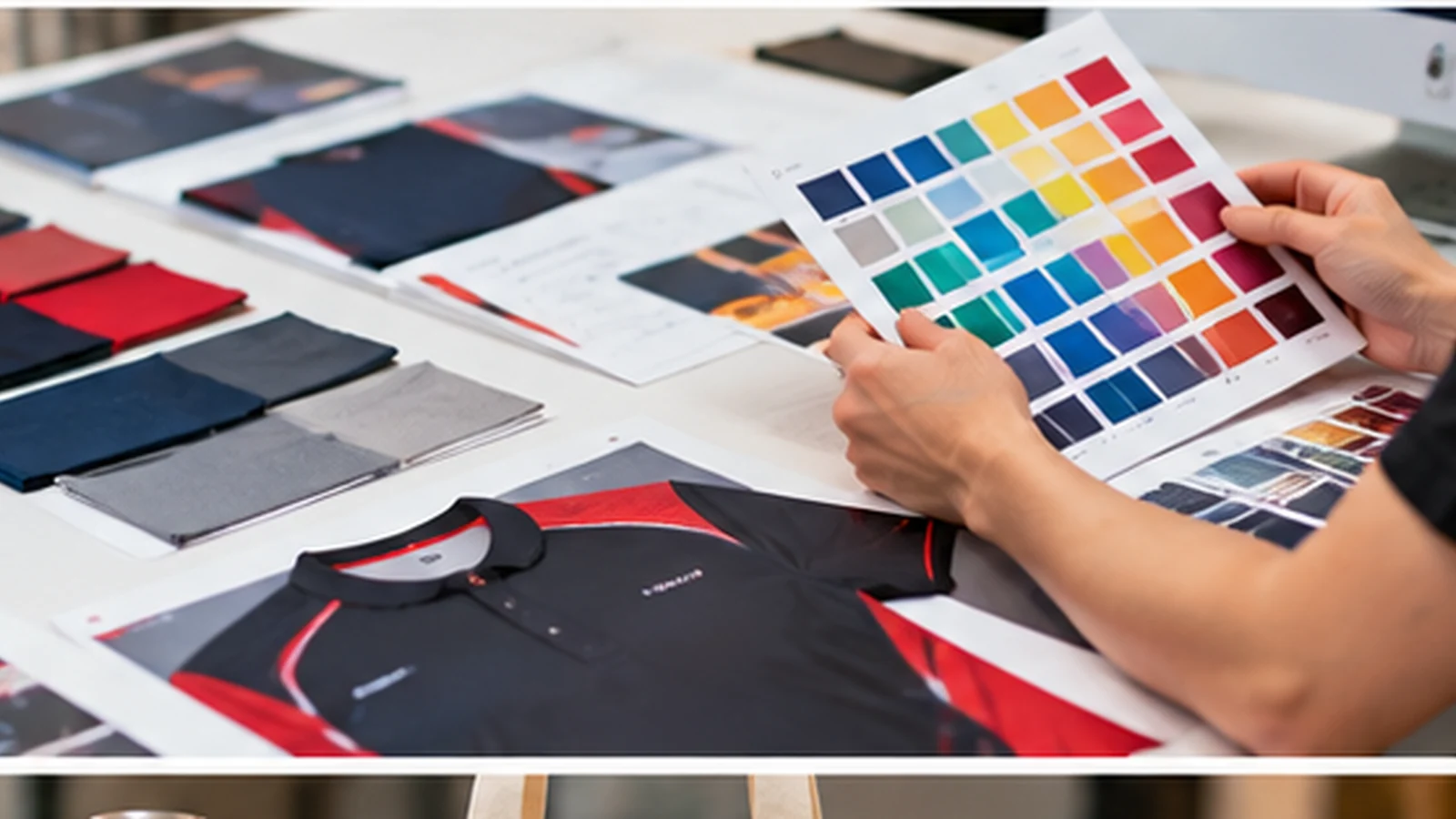
Thicker stock can improve perceived substance but also adds bulk to a nested booklet. A lightweight multi-page handout intended for distribution has different handling needs from a compact premium lookbook. Test a physical folded mock-up with approximately the intended stock rather than comparing flat sheets only.
For an event programme, also consider whether attendees need to write in it. A heavily coated surface can make pen use less convenient even if photographs reproduce attractively.
Run a preflight that follows the reader
Before approval, check the opening sequence, table of contents, centre spread, image resolution, bleed, trim and final contact information. Confirm whether any page needs to remain writable and whether staples could interrupt artwork running across the fold.
A useful final check is to hand the dummy to someone who did not design it and ask them to find one specific section. If they hesitate, the issue may be navigation rather than print quality.
One folded sheet creates four pages. Decide the reading sequence before polishing the individual layouts.
Frequently Asked Questions
Can I print an 18-page saddle-stitched booklet?+
A standard folded-sheet construction requires a multiple of four; discuss alternatives with the printer.
Should I export printer spreads?+
Usually supply reading-order pages unless your print provider specifically asks for imposed spreads.
Does a thicker cover affect the quote?+
It can; specify cover stock and whether it is self-cover or separate.
Discuss Your Booklet Printing Project
Share your actual usage, samples and quantities with JCP so the production specification can be checked before ordering.
Request a Quotation