
Opaque or Backlit Banner Material? Match the Print to the Lighting
Two banners with the same artwork can look very different when a window or lightbox sits behind them. Material opacity is a lighting decision as much as a printing decision, particularly for displays that may be photographed or viewed from both sides.
In This Article
Direct Answer
Choose an opaque or blockout material when unwanted light or reverse-side graphics must not show through. Use a material intended for transmitted light only when the display has controlled backlighting and the print is prepared for that viewing condition.
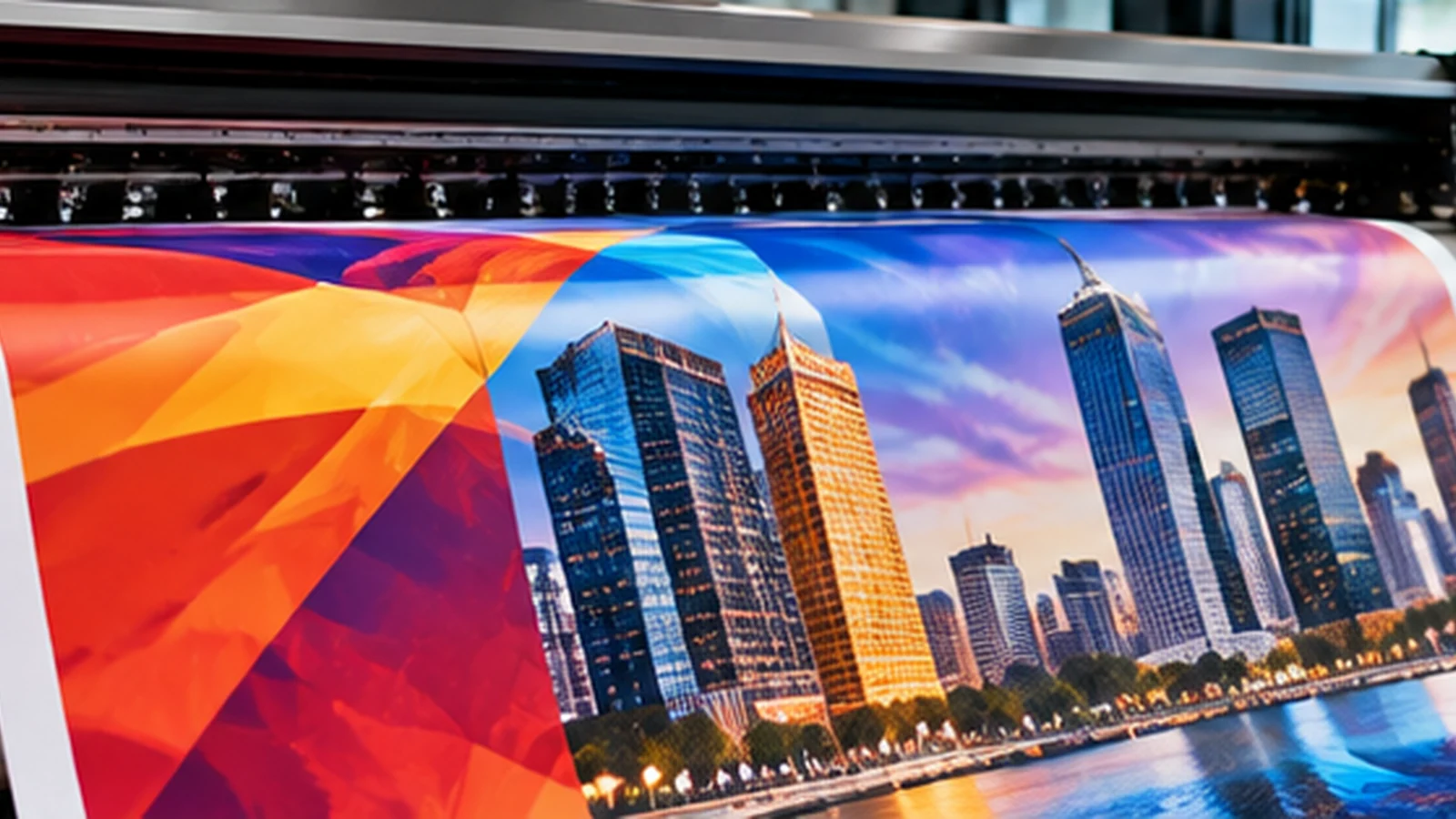
Start with the light source
Stand at the intended display location at the time it will actually be used. A lobby backdrop placed in front of floor-to-ceiling windows can show silhouettes and bright patches that were invisible in the artwork proof. An indoor lightbox has the opposite requirement: the printed face needs to transmit and diffuse light in a controlled way.
Photograph the site facing the light source. The photo is a more useful production reference than describing the venue simply as “indoor”.
Know what opacity solves
A blockout construction helps prevent the image or light behind the banner from affecting the viewed face. It is useful for certain double-sided displays and for backgrounds where the reverse environment should not show through. A translucent or backlit substrate is engineered for a different job: its appearance depends on light passing through it.
Neither material category guarantees the same colour appearance under every installation. Ink, lighting temperature, viewing distance and print profile still matter.
| Scenario | Consideration | Practical Check |
|---|---|---|
| Window behind display | Unwanted light transmission | Assess opaque / blockout |
| Purpose-built lightbox | Controlled rear illumination | Use compatible backlit substrate |
| Front-lit wall display | Reflected light | Assess standard front-lit material |
| Both sides visible | Reverse show-through | Consider suitable blockout construction |
Avoid the common artwork mismatch
A design approved on a bright monitor may appear flat on a front-lit banner or overly dense when lit from behind. Large dark areas, fine gradients and faces can be especially sensitive to the final illumination. Request a material-specific proof when colour or tonal detail is important.
Do not assume that increasing brightness in the file is a universal correction. The print provider should know the intended lightbox or front-lit setup before adjusting production.
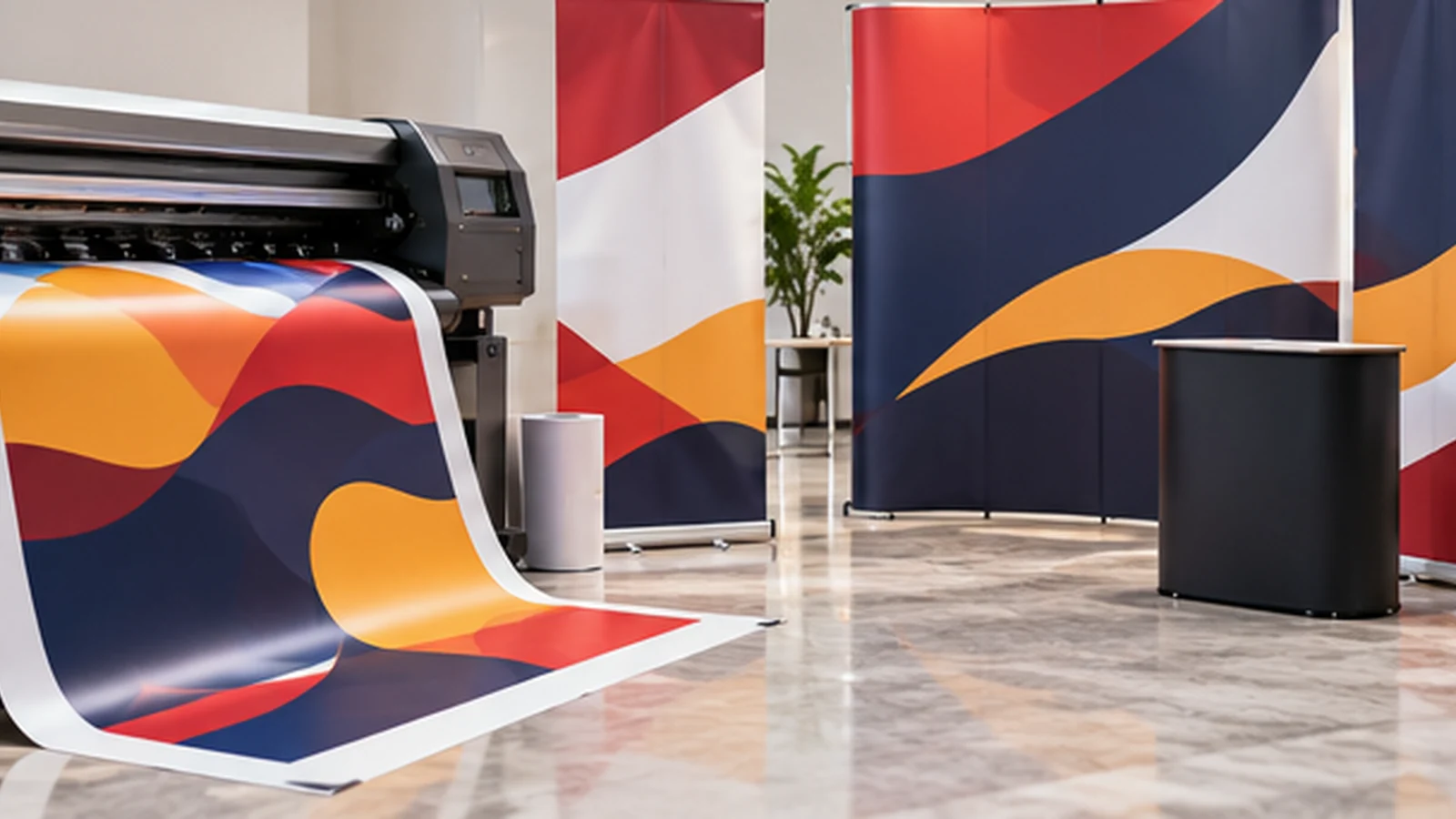
Check mounting and photography
A material that looks excellent stretched in a frame may behave differently when hung loosely. Wrinkles, edge tension and joins can create shadows under directional light. For a photo backdrop, consider where people stand and whether a strong light behind the display will make its surface uneven in photographs.
If the banner must work in several venues, prioritise predictable front lighting and a material that tolerates those conditions rather than designing around one ideal installation.
Send a short lighting brief with the order
Provide the display size, indoor/outdoor location, whether light comes from the front or rear, the mounting system, viewing distance and whether both sides will be visible. Ask the supplier to confirm the substrate before final print approval.
This is a small step, but it prevents ordering a visually correct file on a material that is physically wrong for the site.
Specify where the light comes from before choosing the banner substrate.
Frequently Asked Questions
Is a backlit banner suitable without a lightbox?+
It may print, but its intended visual performance relies on suitable illumination.
Does blockout material make all banners double-sided?+
No. Confirm the exact construction and printing method required.
Can the same artwork be used for both?+
It may need separate proofing or tonal adjustments for the two lighting conditions.
Discuss Your Banner Printing Project
Share your actual usage, samples and quantities with JCP so the production specification can be checked before ordering.
Request a Quotation