
Presentation Folders: Size the Pocket for the Documents You Actually Need to Carry
A presentation folder can look polished on screen and still fail in use if the pocket is too shallow, too tight or overloaded by the documents it was meant to carry. The right pocket depth and construction start with the actual insert stack, not a generic dieline.
In This Article
Direct Answer
Assemble the real documents first and measure the stack before finalising the folder. The pocket must hold the inserts securely without covering important content, bowing the cover or forcing staff to bend sheets during packing. A physical dummy with the full insert set is more useful than approving an empty folder.
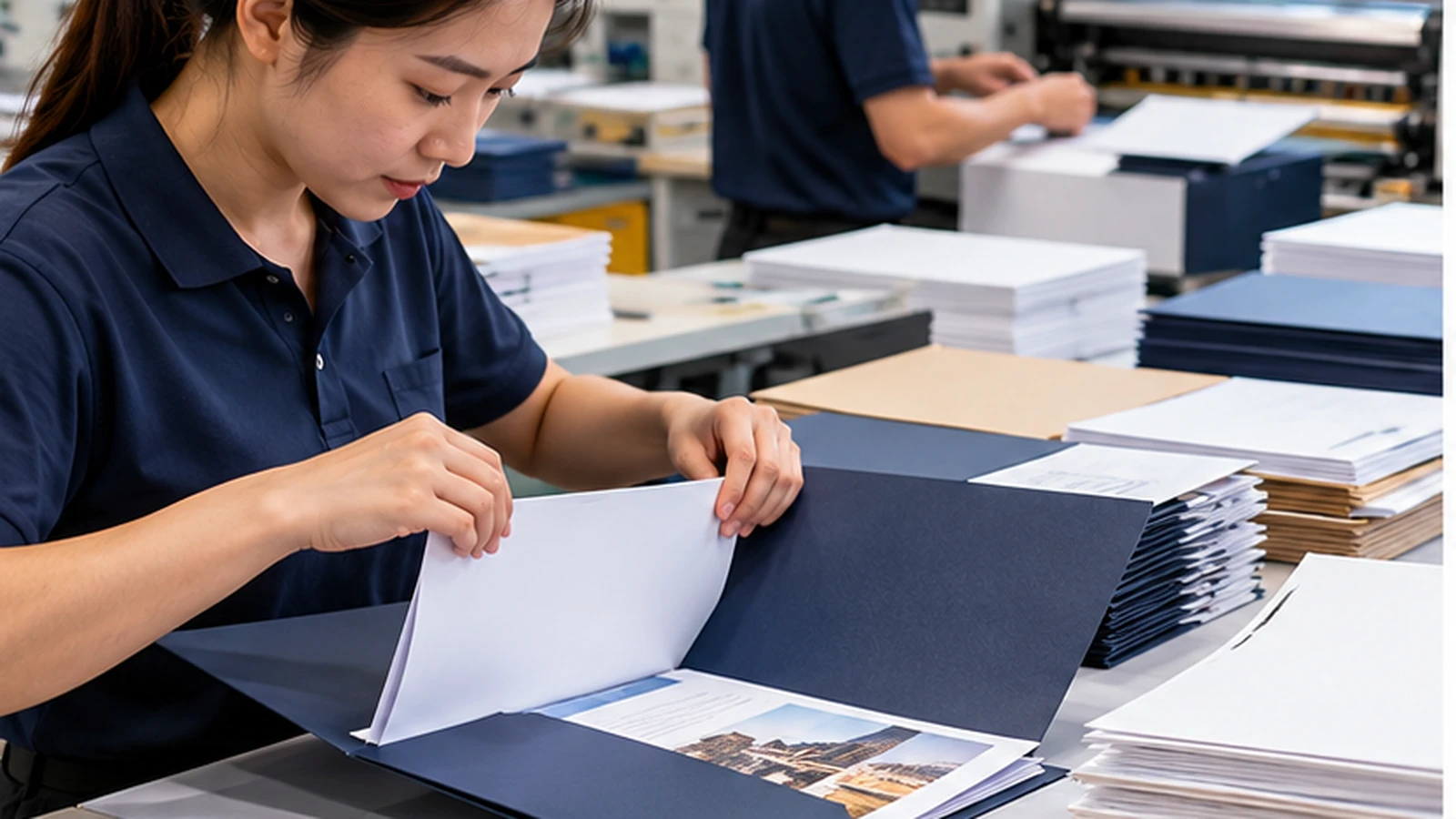
Define the Insert Stack Before the Dieline
List every item the folder needs to carry: quotation, brochure, product sheets, forms, name card or any other leave-behind. Then build one complete set using paper close to the intended production stock. A folder designed around three sheets can behave very differently when eight sheets and a booklet are added later. Include any cover sheets or dividers that are added only for certain clients, because those exceptions often cause the folder to become overfilled later.
Measure both the total thickness and the tallest insert. The pocket depth should secure the documents without hiding headings or contact information near the bottom of the page. If different sales teams use different insert combinations, design around the heaviest realistic set rather than the lightest example.
Pocket Depth Controls Both Grip and Visibility
A shallow pocket exposes more of the insert and makes content easier to see, but it can allow loose sheets to slip out when the folder is carried vertically. A very deep pocket holds material securely but may cover too much of the page and create extra paper layers at the fold. The correct depth is therefore a balance between retention and visibility.
Place the key insert into a paper dummy and mark where the pocket edge crosses the page. If the edge cuts through a headline, signature line or product image, either adjust the pocket or redesign the insert. Treat the folder and the documents as one system instead of two separate print jobs. For inserts printed close to full bleed, even a few millimetres of extra coverage by the pocket can change the visual balance, so the physical overlap should be intentional.
| Folder Requirement | What to Test | Failure to Watch For |
|---|---|---|
| Loose A4 sheets | Full document stack | Sheets slipping or bowing |
| Booklet + sheets | Combined thickness | Cover refusing to close flat |
| Business card slot | Actual card with inserts loaded | Card hidden or distorted |
| High-capacity contents | Repeated packing | Pocket flare or slow assembly |
Flat Pockets and Gusseted Pockets Handle Capacity Differently
A standard flat pocket works well for modest document stacks because the pocket lies close to the folder body. When the contents become thicker, the pocket can flare outward and the cover may no longer close cleanly. A gusseted construction creates extra capacity, but it also changes the dieline, assembly and finished cost. If the contents vary substantially by customer, consider whether one universal folder is sensible or whether a smaller core pack plus optional loose materials would be easier to manage.
Do not add a gusset simply because the folder might hold more one day. Use the measured stack to justify it. If the folder normally carries only a quotation and two product sheets, a clean flat pocket may be more appropriate than a bulky high-capacity structure.
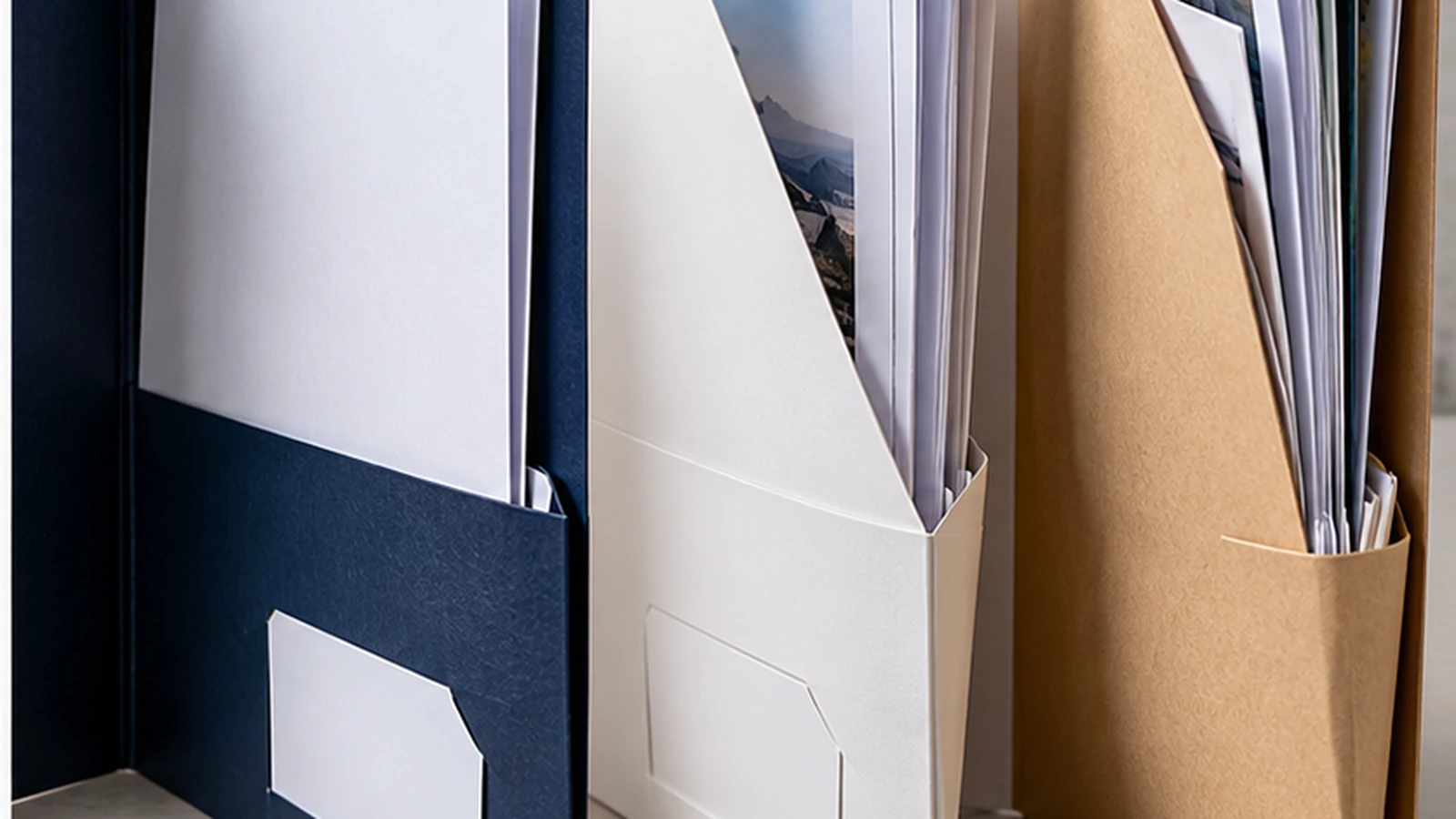
Card Slits and Cut-Outs Need Real Samples Too
Business-card slits look simple, but their position affects how the card sits once the pocket is filled. A card placed too low can disappear behind documents, while a slot too close to a fold may distort when the pocket is under tension. Test the actual card dimensions rather than assuming every name card has the same format.
Finger notches, angled pockets and other cut-outs should also be reviewed with the inserts in place. Decorative shapes can improve access, but they should not weaken the area that carries the document weight. The easiest way to judge this is with a cut paper or board dummy. Also confirm that the chosen cut-outs do not expose confidential quotation figures or signatures when the folder is handled casually.
Test the Folder as a Packing Task
Ask the person who will prepare the folders to assemble ten sample sets. Watch whether sheets catch on pocket edges, whether staff need to bend documents and whether the folder closes naturally after packing. A design that works once for the designer may still be slow or awkward when a sales administrator has to prepare hundreds. Time the task if packing speed matters. Ten extra seconds per folder becomes almost 28 minutes across 170 sets, so awkward assembly has a measurable labour cost.
Once the structure is approved, record the final insert list, pocket depth, finished folder size and dieline version. If the brochure or quotation format changes later, recheck the capacity before reordering the folder rather than assuming the old structure still fits.
Design the pocket around the documents that will actually be packed, not around an empty presentation-folder mock-up.
Frequently Asked Questions
How deep should a presentation-folder pocket be?+
There is no single correct depth. It depends on insert height, visibility and how securely the documents need to be held.
When is a gusseted pocket useful?+
When the measured insert stack is thick enough that a flat pocket bows or prevents the folder from closing comfortably.
Should I test the folder before printing the full quantity?+
Yes. A physical dummy with the real insert set can reveal capacity and packing problems that a flat artwork proof cannot show.
Planning Corporate Presentation Folders?
JCP can review the insert stack, finished size and folder construction before production artwork is finalised.